Since the start of 2026, a new open-source AI project has dominated conversations in the tech community. Some industry leaders have quickly labeled it a precursor to AGI, sparking intense debate on platforms like X. The project's hardware recommendations even led to a surge in Mac Mini sales, attributed to developer Alex Finn's popular setup guides.
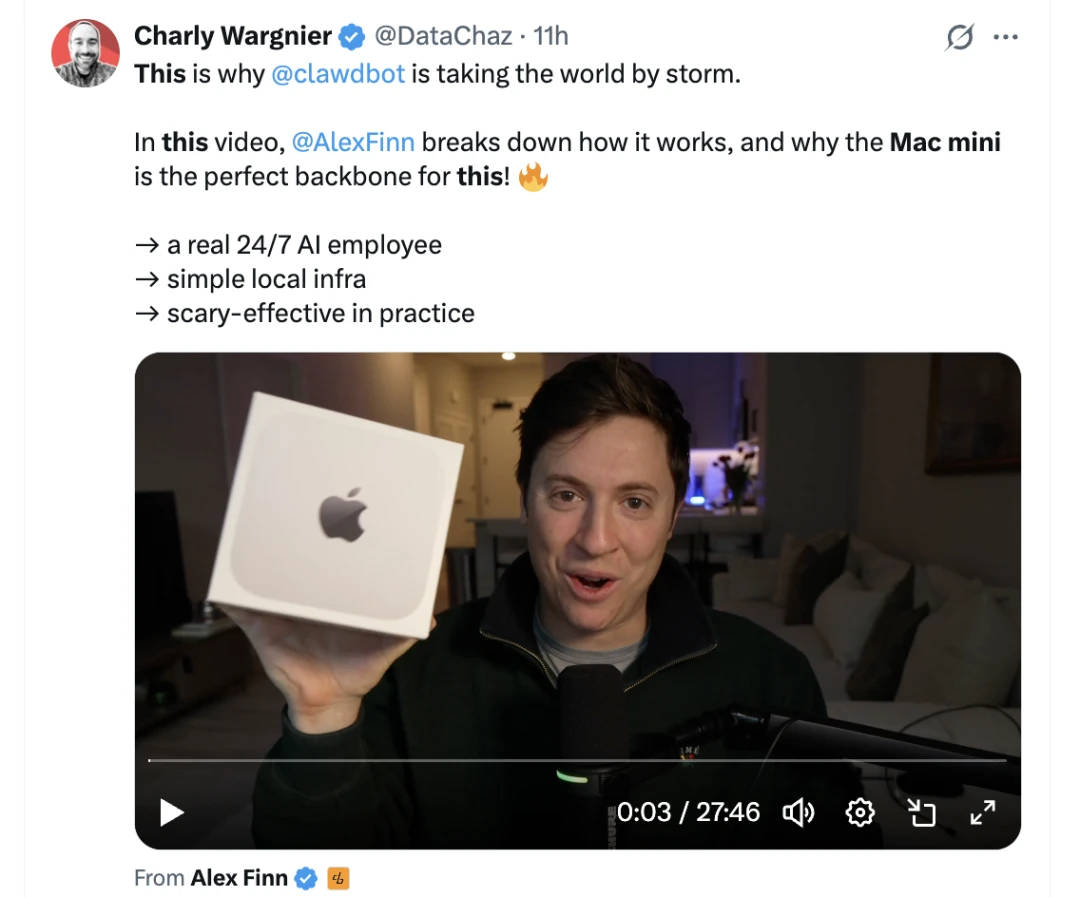
A common refrain among early adopters is that those who haven't installed it are already falling behind.
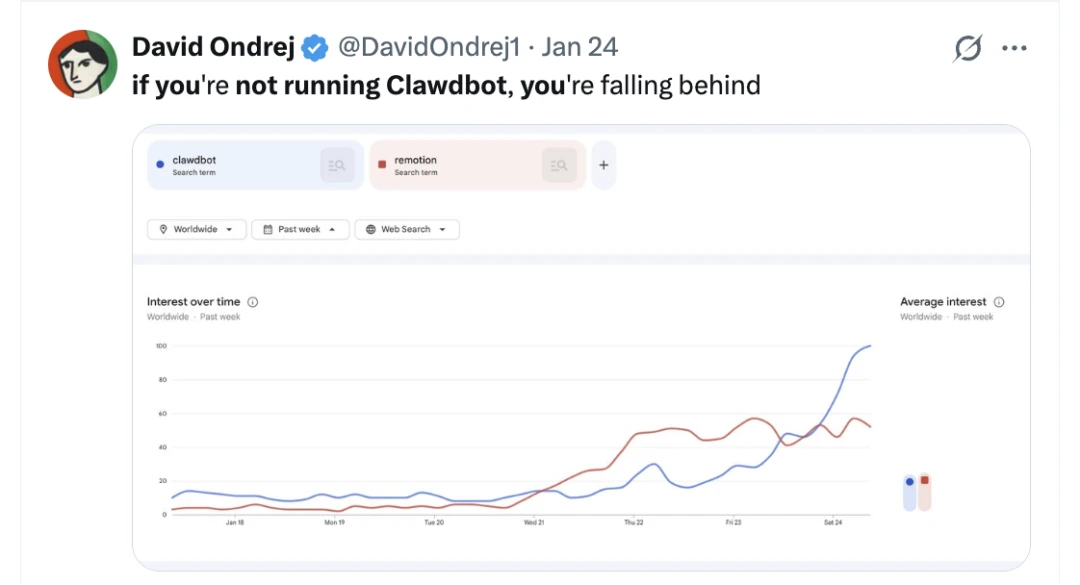
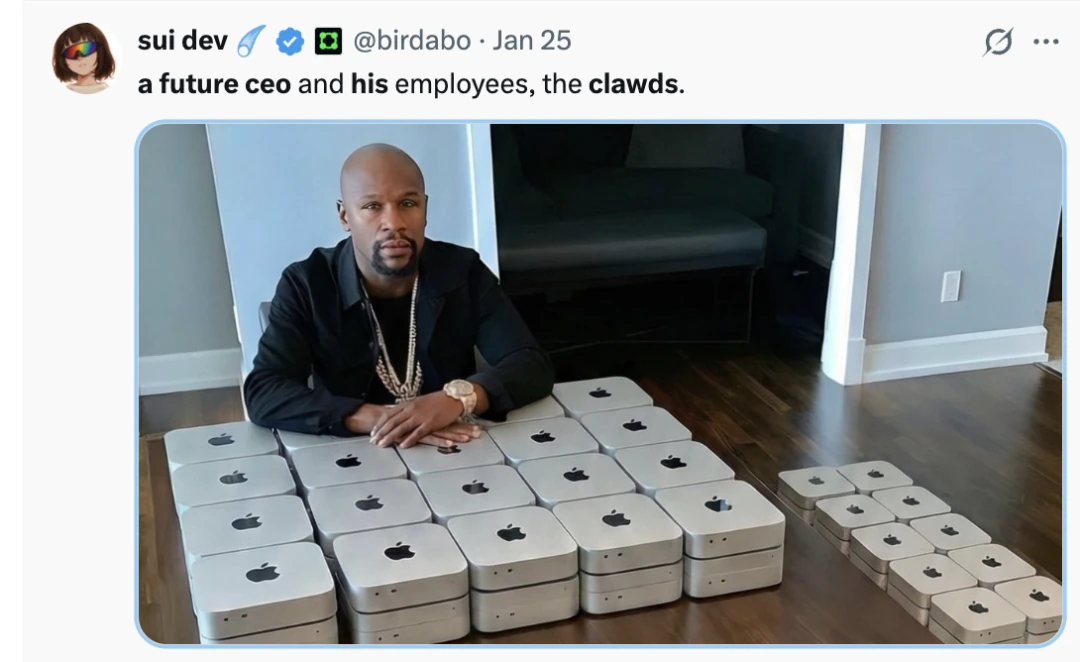
This sentiment echoes a new mantra: AI won't replace you, but a person using a tool like Clawdbot might. The implication is that with enough computing power—say, 100 Mac Minis—one could create an automated, tireless workforce.
But let me ask a question. What if Siri could actually get things done? I don't mean checking the weather or setting a timer. I mean completing complex tasks: remembering your conversations, acting on your behalf, and proactively reaching out at the right moment.
This is the promise of a true personal AI that has programmers and tech enthusiasts so excited about Clawdbot. People are rushing to buy Mac Minis, setting up servers overnight, running scripts, and wrestling with environments. But here's the secret: you probably don't need any of that.
Clawdbot isn't just another ChatGPT. You don't open a webpage, type a prompt, and wait for a reply. It lives where you live: right inside your messaging apps like WhatsApp, Telegram, and iMessage. Think of it as a digital assistant that's always online and remembers everything you've ever told it.
More importantly, it doesn't just chat. It takes action on your computer.
The price to run this personal powerhouse? As little as $5 a month.
In this article, I'll break down in simple, no-jargon terms:
- What exactly is Clawdbot and how does this AI assistant work?
- How is it fundamentally different from ChatGPT and other AI assistants like Siri?
- Why it's capturing the attention of seasoned programmers.
- And why some are calling it a glimpse into 'early AGI.'
01 What is Clawdbot? An Overview of the Open-Source AI Assistant
What is Clawdbot?
Peter Steinberger is a developer from Vienna who claims he "came back from retirement to play with AI." The project's mascot is a space lobster named Clawd. The project even got a nod from Andrej Karpathy, one of the most respected researchers in AI, who endorsed the idea in a reply to Peter's post late last year.
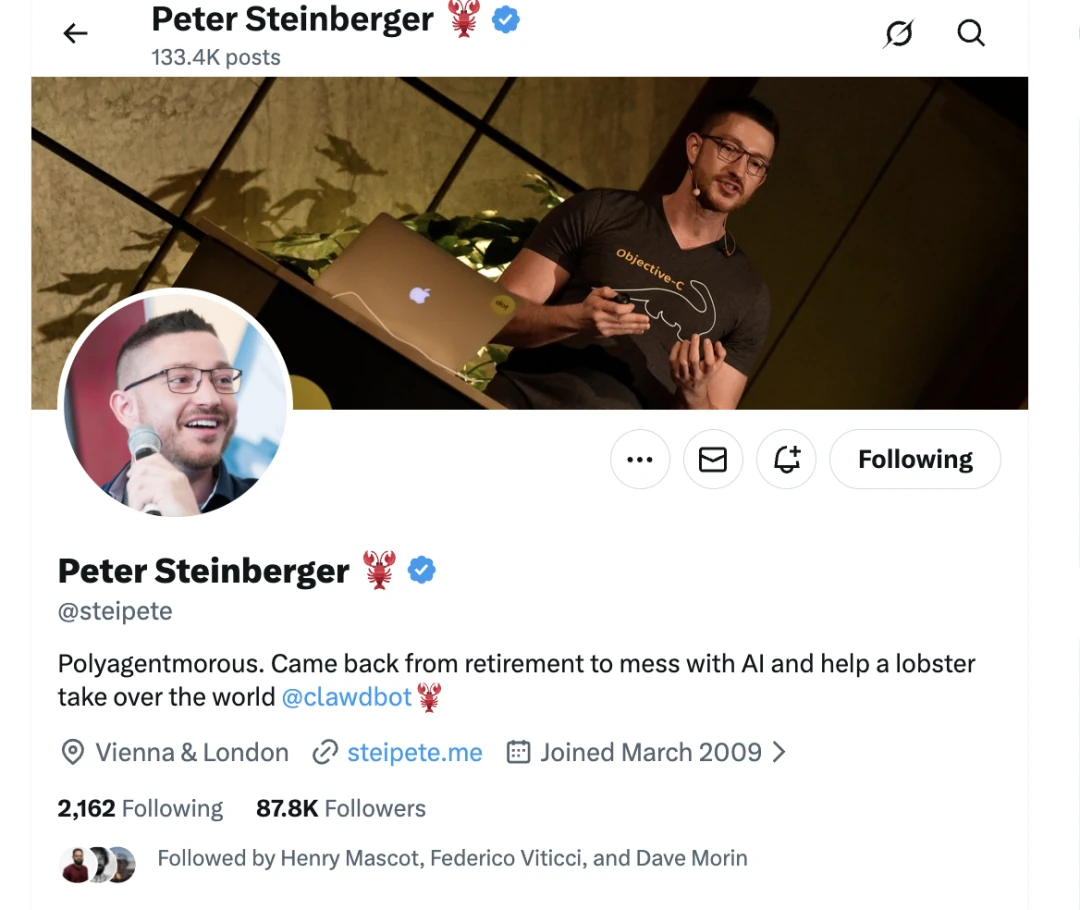
Clawdbot is open-source, with a Discord community so active it's merging over 30 pull requests a day.
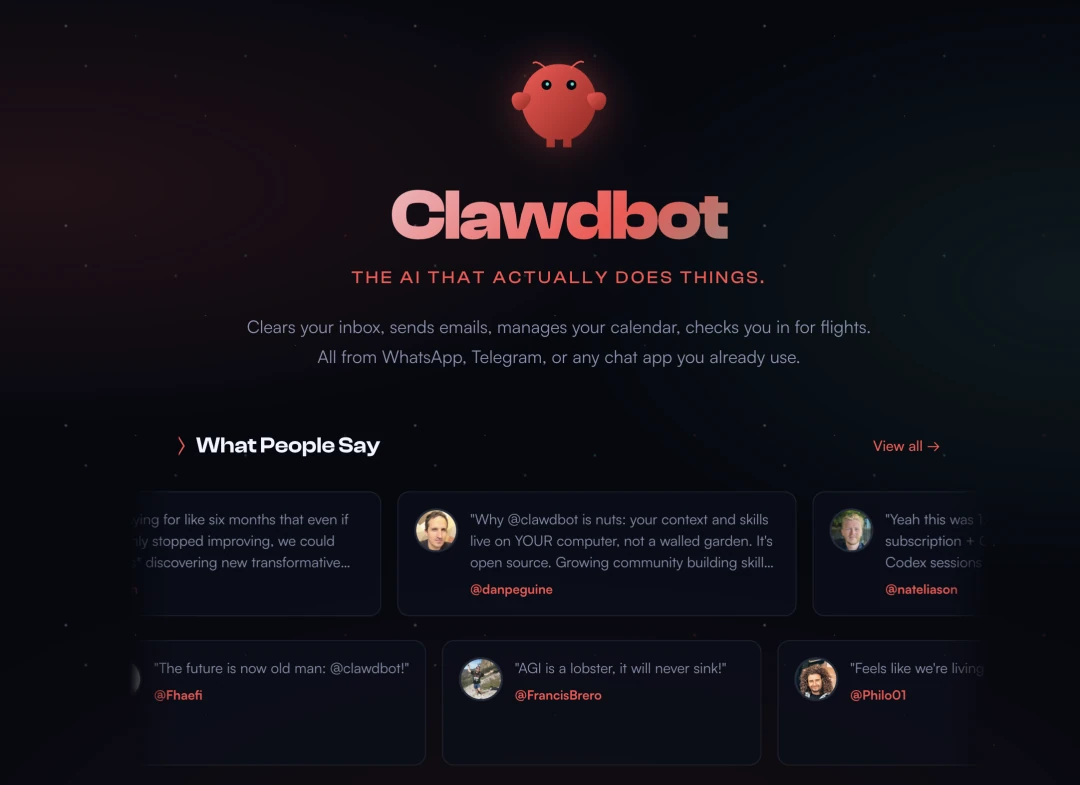
At its core, Clawdbot is an AI assistant that lives inside the apps you use every day: WhatsApp, Telegram, iMessage, Slack, you name it. You message it like a friend, and it messages you back. Your conversation is seamless, whether you're on your phone, laptop, or tablet. And unlike other assistants, it remembers everything.
That's the core concept.
Why is it gaining traction?
Three reasons:
-
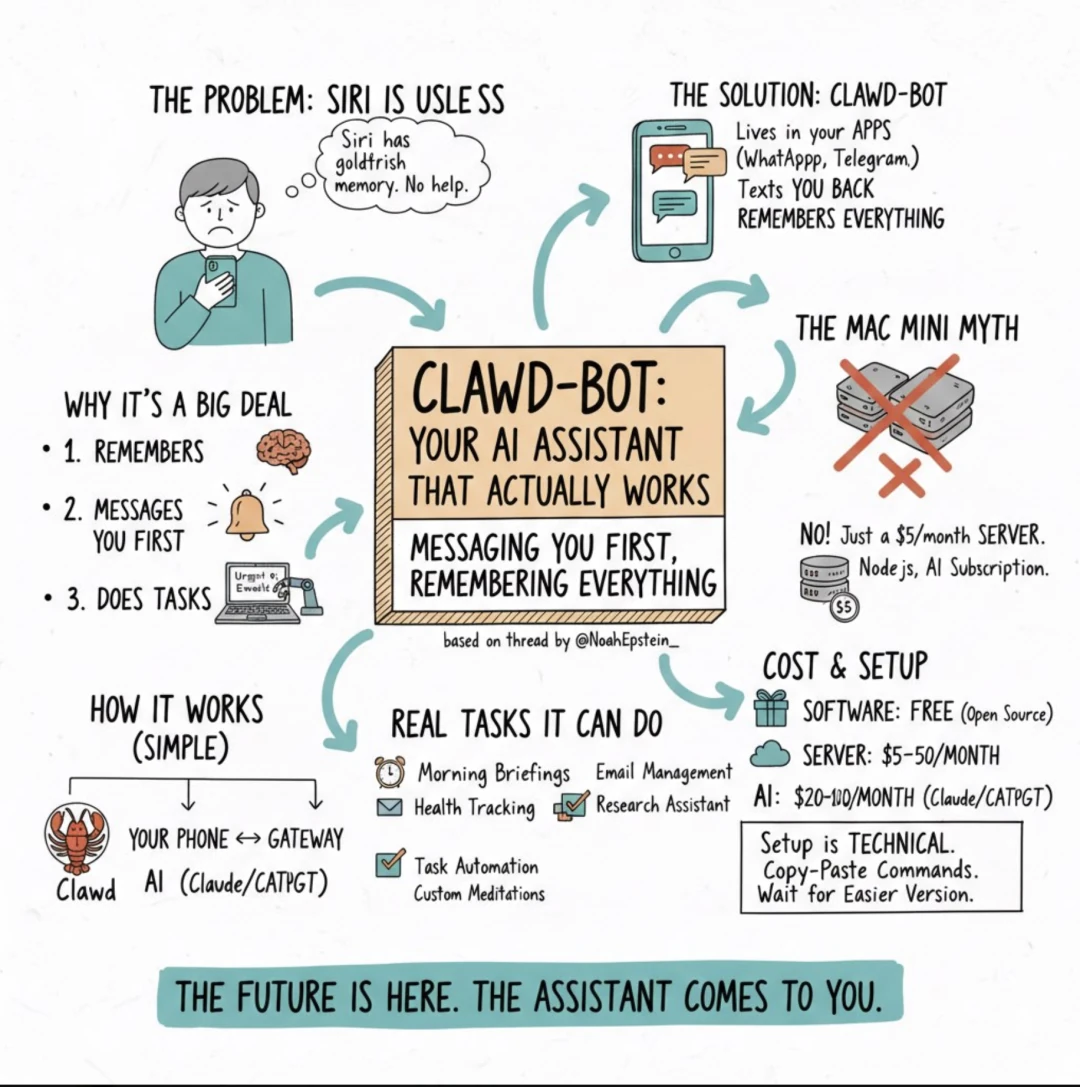
🔄 It has a memory Ask Siri what you talked about yesterday, and you'll get a blank stare. Clawdbot, on the other hand, remembers your last conversation, your preferences, and that random idea you mentioned two weeks ago. It builds context over time, getting smarter and more helpful with every interaction. It sounds simple, but it's a feature no mainstream AI assistant has managed to crack.
-
📲 It proactively reaches out This is the game-changer. Most AI waits for a prompt. Clawdbot reaches out to you:
"Hey, you have 3 urgent emails and a meeting in 20 minutes." "The stock you're following just dropped 5%." "The weather looks bad tomorrow—might need to reschedule." It's like having a personal assistant who's actually paying attention.
-
💻 It can execute tasks on your computer We're not just talking about answering questions. We're talking about doing things:
- Filling out forms
- Sending emails
- Moving files
- Running programs
- Controlling your browser
One user rebuilt an entire website while watching Netflix in bed. They never opened their laptop—just sent messages to Clawdbot telling it what to do.
02 The Mac Mini Myth: Why You Don't Need Expensive Hardware for Clawdbot
This is the biggest misconception. The hype has led to some wild setups: stacks of Mac Minis, clusters of Raspberry Pis. You'd think you need a personal data center to get started.
You don't.
The reality? This self-hosted AI can run on a simple $5/month cloud server. That's less than your morning latte.
Technical requirements:
- A cheap cloud server (or your own computer)
- Node.js installed (free software)
- A Claude or ChatGPT subscription
That's it. No need to buy a stack of Mac Minis.
03 ⚙️ How Does Clawdbot Work? A Technical Overview
The simple version:
- Clawdbot runs on a computer (yours or a $5/month cloud server).
- It connects to your messaging apps.
- You send it a message, and it replies.
- It can also perform tasks on that computer.
The slightly more technical version:
- At its heart is a "gateway" that enables this proactive AI to run in the background. Think of it as a digital switchboard operator. Messages come in from WhatsApp, Telegram, or wherever, and the gateway routes them to the AI. The AI thinks, replies, and can trigger actions—like opening a browser or running a script.
- This setup keeps everything on your own machine. Your data remains private, never hitting a third-party server (except for the API calls to Claude or OpenAI, of course).
04 🎯 Real-World Clawdbot Use Cases & Task Automation
So, what can you actually do with this task automation tool? Here are some real-world examples from the community:
🌅 Morning Briefing Wake up to a summary of your important emails, your calendar for the day, and tasks that need attention—delivered to your phone before you even get out of bed.
🏃♂️ Health Tracking "Connect to my WHOOP and give me a daily summary." Someone set this up in five minutes. Now they get fitness insights automatically.
📧 Email Management "Help me unsubscribe from all these newsletters." It logs into your email, finds the junk, and deals with it.
🔍 Research Assistant "Find the 5 best restaurants near my hotel in Tokyo." It searches, compares, and gives you options, all in a single text conversation.
⚡ Task Automation "Every Friday at 5 PM, send me a summary of the work I completed this week." You set it up once, and it runs forever.
Advanced Creative Automation One user configured Clawdbot to write custom meditations, generate audio with an AI voice, mix in ambient music, and deliver the final file to them each morning—a fully automated creative workflow.
05 Clawdbot Installation: Technical Prerequisites
Honestly? A little bit.
If you're comfortable following instructions and copy-pasting a few commands into a terminal, you can get it running. It's not "one-click-and-done"—but it's not rocket science, either.
All the documentation is here: https://clawd.bot
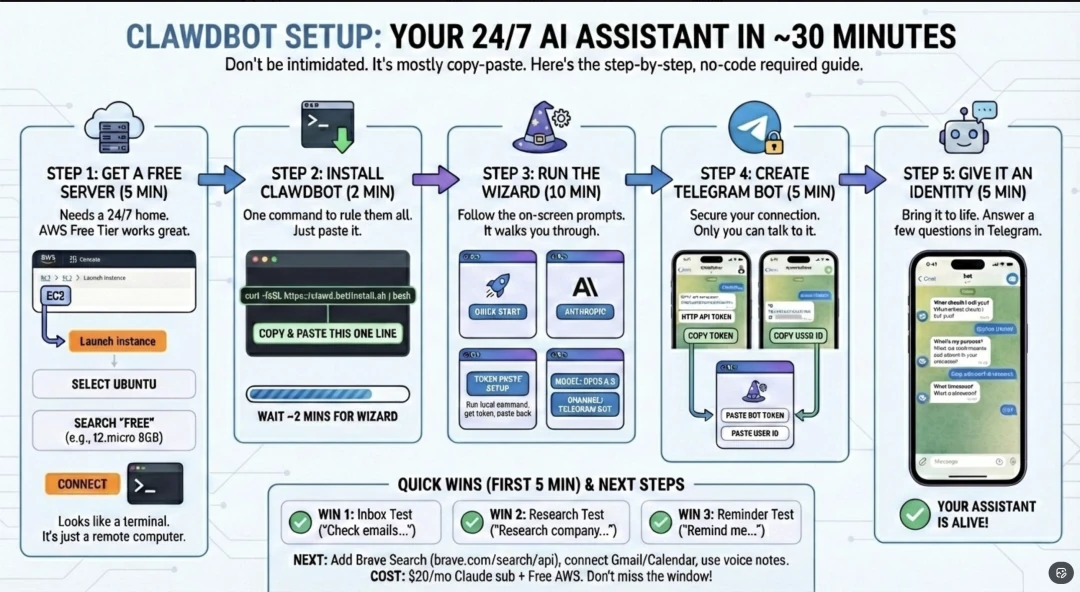
The installation is just one line:
curl -fsSL https://clawd.bot/install.sh | bash
Then you follow a setup wizard that walks you through connecting your messaging apps.
If that command line looks intimidating, just wait a few months. The community is making the setup process easier every week. Better yet, bribe a technical friend to help with the initial setup. Once it's running, it's as easy to use as any other chat app.
06 💰 Understanding Clawdbot's Pricing and Costs
- Software: Free (it's open-source)
- Server: $5-50/month, depending on your setup
- A $5/month Hetzner VPS works for most people.
- Or run it on your own computer for $0.
- AI: $20-100/month
- Claude Pro: $20/month
- Claude Max: $100/month (for heavy users)
- Or use API keys for pay-as-you-go pricing.
Total: All in, you're looking at $25-150 per month for a personal AI assistant that's leagues beyond anything on the market.
Compare that to "AI consultants" charging $10,000 to set up a basic chatbot.
07 🤔 Is Clawdbot the Right AI Assistant for You?
So, is it right for you?
✅ Yes, if:
- You want an AI assistant that actually remembers who you are.
- You're tired of copy-pasting between ChatGPT and everything else.
- You want proactive notifications and genuine automation.
- You're comfortable with a basic technical setup (or know someone who is).
⏳ Maybe wait, if:
- You expect a polished, one-click product.
- You're not comfortable running commands in a terminal.
- You need enterprise-grade support and guarantees.
Remember, this is the bleeding edge. It's moving incredibly fast—bugs are often fixed in hours, and new features ship weekly.
But that's the trade-off. The people jumping in now are the ones getting a head start.
08 Final Thoughts on Clawdbot as a Personal AI
In short, Clawdbot represents a step toward the kind of AI assistant envisioned when Siri first launched a decade ago. It integrates into existing messaging apps, maintains conversational history, initiates contact proactively, and can execute tasks directly on a user's computer.
Crucially, it does not require a significant hardware investment.
A basic setup can run on a $5 server with a single installation command.
The project's philosophy is that a true assistant should come to you, not the other way around.
For those willing to engage with a command line, Clawdbot offers a compelling glimpse into the future of personal AI.